
Your internet connection does not go directly from your laptop or phone to a website. It first passes through equipment operated by your internet service provider. So, can ISP track browsing? Yes, an ISP can observe significant connection data, but modern HTTPS encryption limits what it can read inside most web sessions. The practical answer depends on the website, your DNS settings, the apps you use, and whether you route traffic through a VPN. Your ISP may know that a device assigned to your account connected to a particular service at a certain time. That does not automatically mean it

A game that suddenly rubber-bands, a video call with delayed replies, or a remote desktop session that feels one step behind can all point to the same issue: network latency. An online ping test gives you a quick way to measure how long network traffic takes to reach a destination and return. It is one of the fastest checks to run when your connection feels slow but a speed test still reports decent download and upload numbers. Ping does not measure bandwidth. Instead, it measures responsiveness between two points on a network. That distinction matters. A connection can have high

An unfamiliar IP address in a firewall log, a suspicious login alert, or a server connection problem usually creates the same first question: who operates this address? An IP WHOIS lookup provides the registration record behind a public IP address. It can show the organization responsible for an address block, the network range involved, registration dates, and contacts for technical or abuse reports. That information is useful, but it needs the right interpretation. A WHOIS result identifies the organization that received or manages an IP allocation. It does not reliably identify the person using a laptop, phone, game console, or

A remote desktop connection that worked yesterday suddenly cannot find your home computer. A security camera app loses contact with its recorder. A game server disappears after a router restart. In many cases, the missing piece is understanding what is a static IP address and whether the address that changed was public, private, or both. A static IP address is an Internet Protocol address assigned to a device or connection that stays the same instead of changing automatically. It can be a private address used only inside a home or business network, such as `192.168.1.50`, or a public address visible
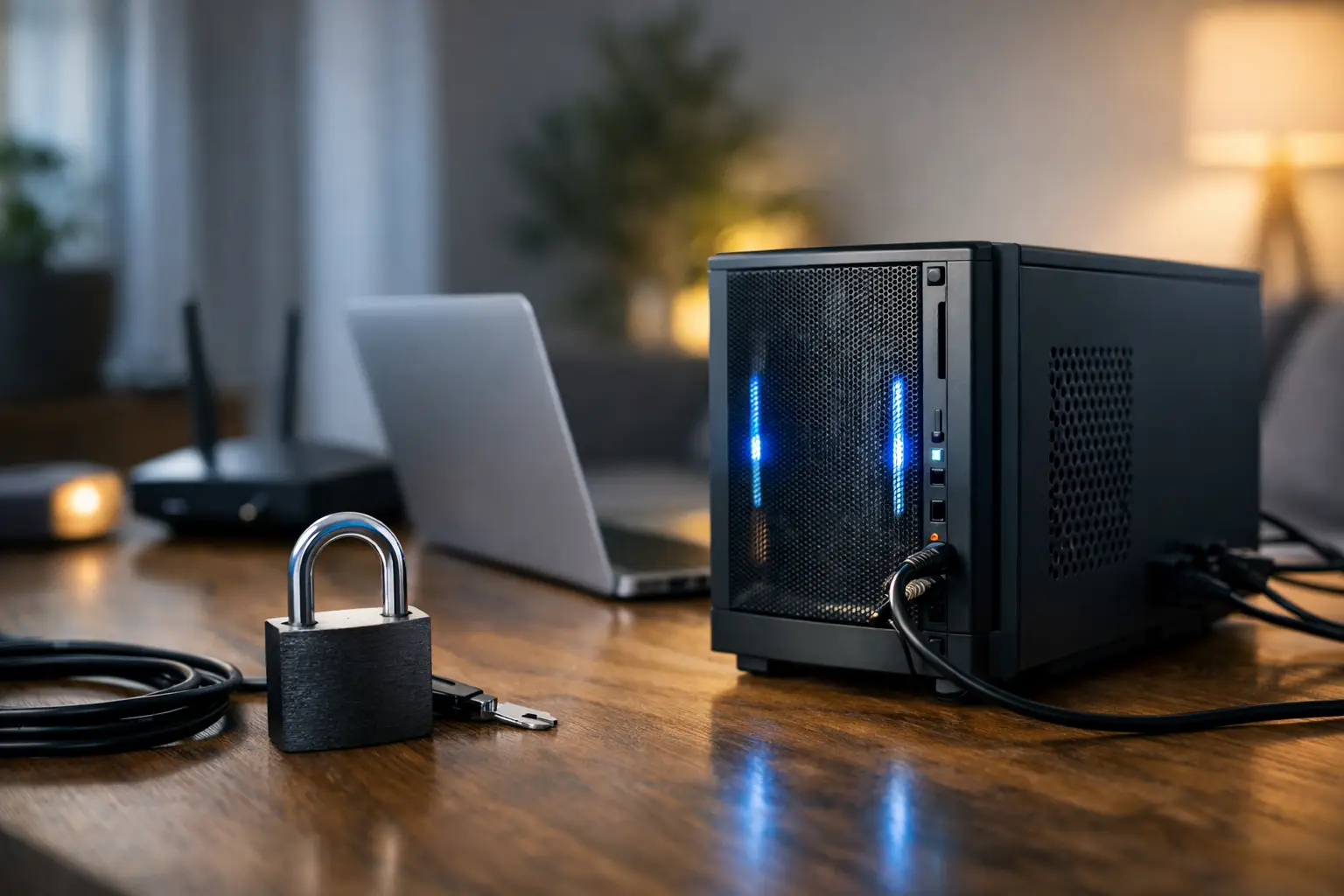
A spare PC, a Raspberry Pi, or a NAS can become a useful home server for game sessions, private cloud storage, a development site, or remote file access. To host a server on home internet, though, the device must be reachable from outside your local network without exposing more of your network than necessary. That requires more than installing server software and sharing an IP address. The practical question is not just whether your connection is fast enough. You also need to confirm that your ISP gives you a usable public IP address, that your router can forward the required

Remote access with dynamic IP is possible, but the address change creates one practical problem: the name or address you use to reach your home network can stop working without warning. A home server, security camera system, NAS, game server, or remote desktop connection may be configured correctly one day and unreachable the next because your ISP assigned a different public IPv4 address. The fix is usually not to demand a permanent address. For most home users and small businesses, a dynamic DNS service or a VPN-based approach keeps remote connections predictable without paying for a static IP. The right

A game server that works on your home Wi-Fi but cannot be reached by friends, a security camera that fails outside the house, or a VPN that will not accept inbound connections can all point to the same issue: carrier-grade NAT. The fastest way to learn how to check for CGNAT is to compare the WAN IP address assigned to your router with the public IP address the internet sees. CGNAT is common on mobile, fixed wireless, satellite, and some fiber or cable services. It is not automatically a problem. For normal browsing, streaming, video calls, and most online games,

An IPv6 address can look unfamiliar: long groups of hexadecimal characters separated by colons, sometimes shortened with a double colon. If you need to know how to find ipv6 address information, first decide which address you actually need. Your device may have several IPv6 addresses at once, while the address visible to websites may be assigned to your router or ISP. That difference matters when you are troubleshooting a game server, setting up remote access, checking DNS records, reviewing firewall rules, or confirming whether your internet connection supports IPv6. Public vs. private IPv6 addresses An IP address works like a

Your public IP address is the address websites, game servers, remote-access tools, and other internet services see when your connection reaches them. If you need to get around an IP-based block, troubleshoot a routing issue, improve privacy, or replace an address that has been targeted by unwanted traffic, you may be looking for how to change public IP address options that actually work. The right method depends on how your internet provider assigns addresses. Some connections receive a dynamic public IPv4 address that can change automatically. Others use a static address that remains assigned until the ISP changes it. Before

A website says your public IP address is in Denver, but you are sitting in Boulder. Is the lookup wrong? Not necessarily. The practical answer to how accurate is IP geolocation is that it is usually very good at identifying a country, often useful for identifying a region or metro area, and much less dependable for pinpointing a street address, building, or even the correct city. IP geolocation is a valuable network research tool, but it needs to be read at the right level of precision. It can help identify suspicious login activity, apply regional content rules, troubleshoot a server