An unfamiliar IP address appears in a router log, firewall alert, website analytics report, or email header. Your first question is usually straightforward: who owns this IP address? The answer can help you identify an internet provider, cloud platform, business network, or organization responsible for an address block. It usually cannot identify the individual person using that address at a given moment. That distinction matters. IP ownership research is useful for troubleshooting, security review, server administration, and abuse reporting, but it has clear privacy and technical limits. A WHOIS lookup is designed to show how internet number resources are registered
An IP address location lookup can tell you a surprising amount about an internet connection in seconds: the likely country, region, city, internet service provider, and approximate network coordinates. It is useful when you need to check where a public-facing connection appears to originate, investigate unfamiliar activity, verify a server’s network presence, or confirm that a VPN is routing traffic through the expected area. The key word is approximate. An IP address is more like a routing address for a network than a GPS beacon for a person or device. Location results are valuable for research and troubleshooting, but they
Your router may show several addresses at once: a local address for your home network, a WAN address from your ISP, and possibly an IPv6 address. Knowing how to find router public IP means identifying the address the rest of the internet can use to reach your connection – not just the address your laptop or phone uses inside the house. This distinction matters when you are setting up port forwarding, hosting a game server, configuring remote access, checking a security alert, or troubleshooting why an outside connection cannot reach your network. The fastest check takes seconds, but router settings
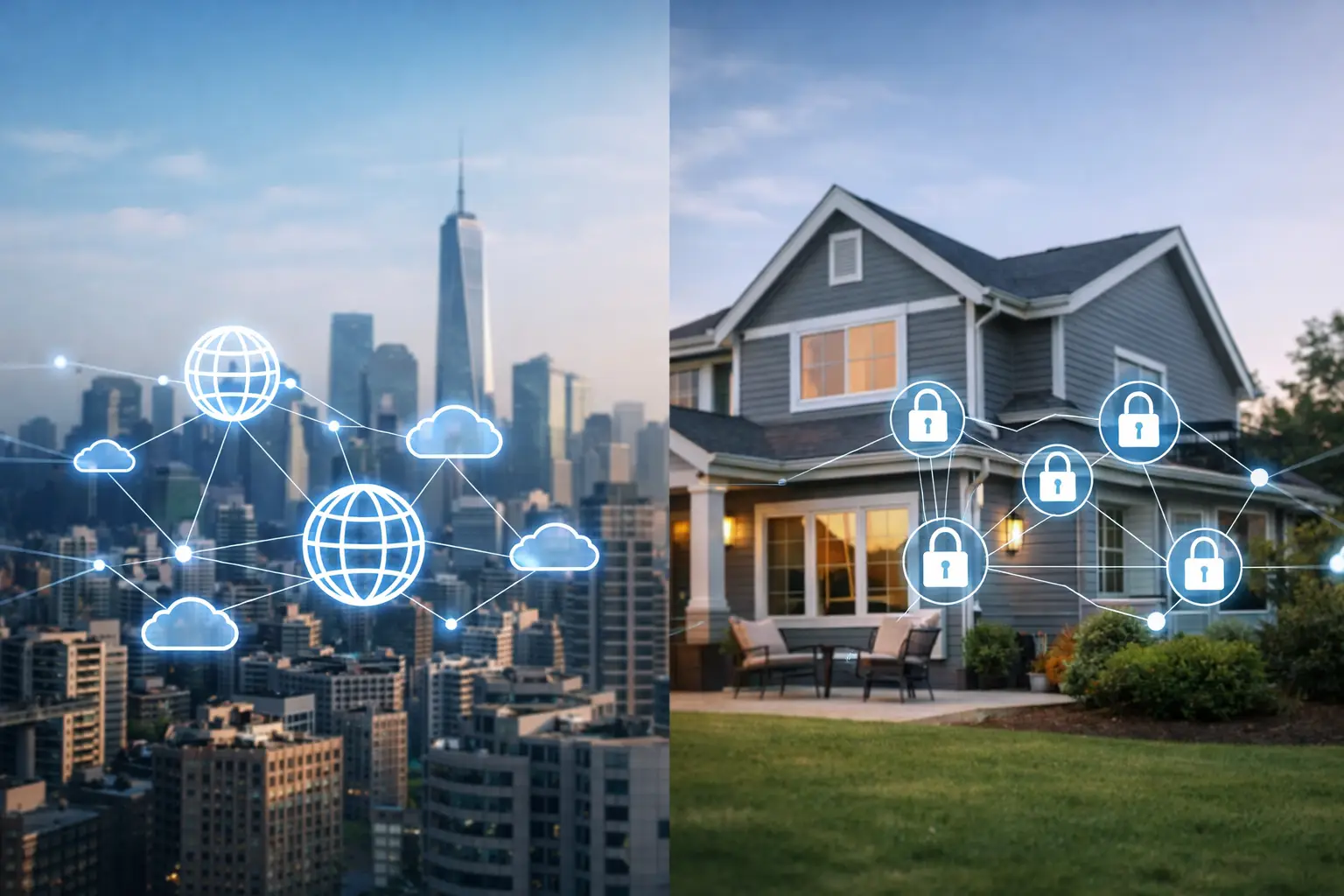
Your laptop may report an address such as 192.168.1.25, while websites see a completely different address when you connect. That difference is the practical point of public versus private IP addresses. One identifies your connection on the internet. The other helps devices find each other inside your home, office, or other local network. Knowing which address you are dealing with prevents common troubleshooting mistakes. It tells you why port forwarding may fail, why a game server cannot be reached, why a work device is visible on Wi-Fi but not from outside the building, and why restarting a router can sometimes
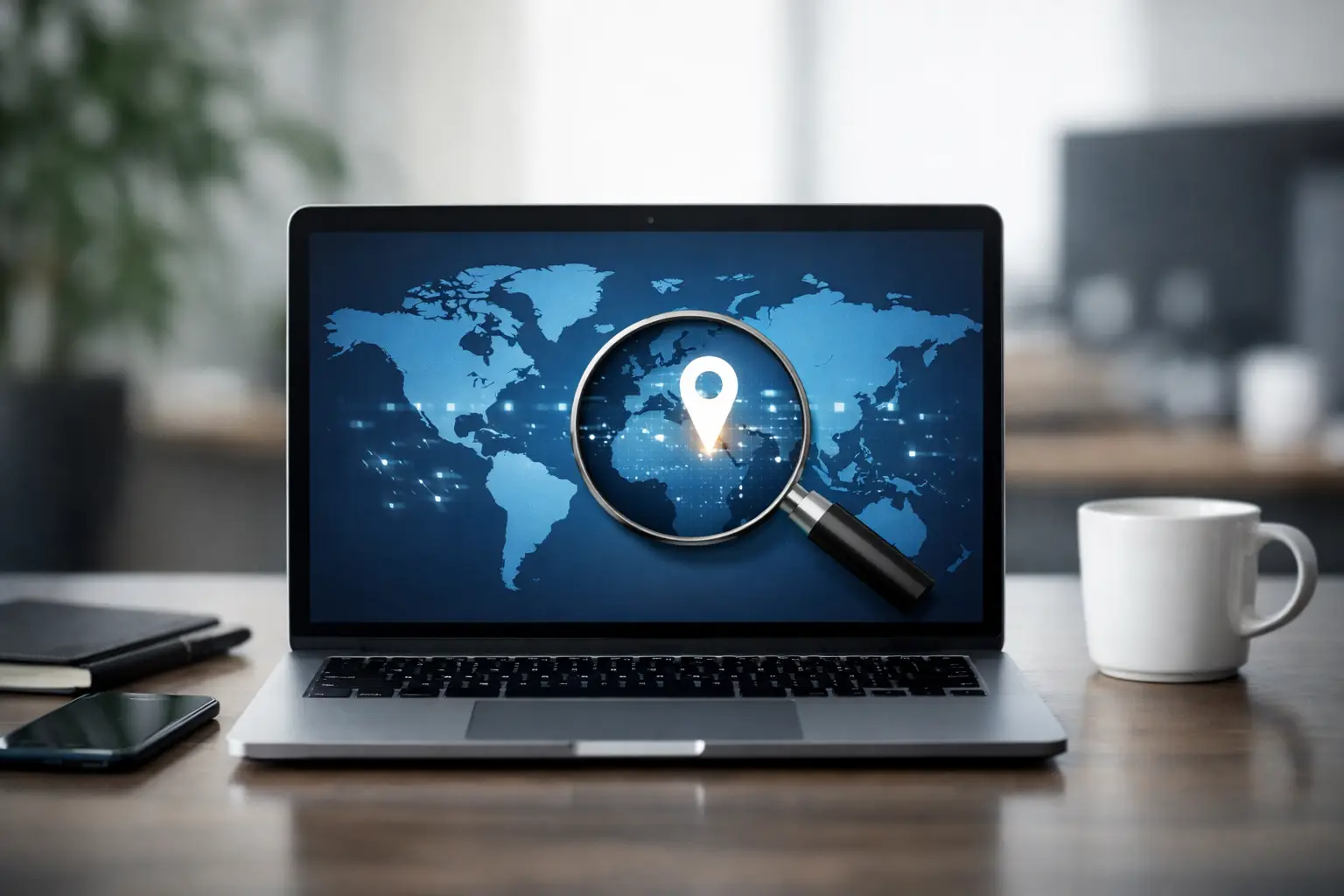
When a game server, work VPN, remote desktop app, or website needs to find your network, it does not use the private address shown in your device settings. It uses the address reported by a public IP address checker: the internet-facing IP assigned to your connection. That result is useful for more than curiosity. It can confirm whether your ISP changed your address, help you configure remote access, explain why port forwarding is failing, and give you a starting point for investigating connection problems. The key is knowing what the result means, what it does not mean, and which diagnostic

1. Classification by Capabilities This framework looks at the “intelligence ceiling” of a system—how close it is to (or how far it exceeds) human cognition. Artificial Narrow Intelligence (ANI) Also known as Weak AI, this is the AI we live with today. It is designed to perform a specific task—like facial recognition, translating a language, or recommending a movie—with superhuman efficiency, but it cannot perform outside its programmed scope. Use Cases: Virtual assistants (Siri, Alexa), recommendation engines (Netflix, Amazon), and autonomous drones. Current State: Fully mature and ubiquitous in 2026. Artificial General Intelligence (AGI) Often called Strong AI, AGI is
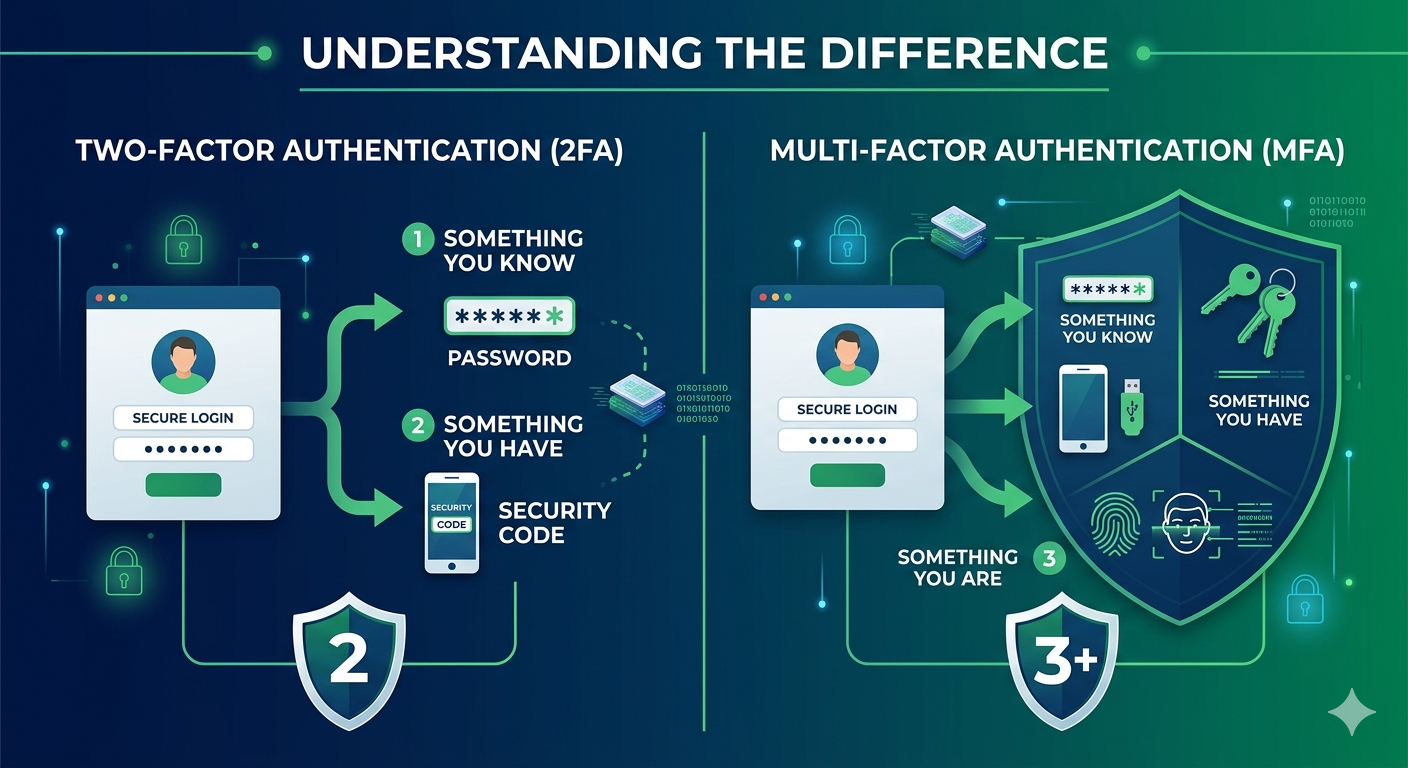
1. Two-Factor Authentication (2FA) 2FA is the most common form of extra security. It requires exactly two different methods of identity verification before granting access to an account. Typically, this involves: Something you know: A password or PIN. Something you have: A code sent to your phone, an authentication app, or a physical security key. The goal of 2FA is to ensure that even if a hacker steals your password, they still can’t get into your account without that second, physical “factor.” 2. Multi-Factor Authentication (MFA) MFA is the broader umbrella term. It refers to any security system that requires
Cipher suites are sets of cryptographic algorithms used in SSL/TLS protocols to secure network connections. They determine the encryption, authentication, and integrity protection mechanisms that will be used during communication between a client and a server. Here’s an overview of the components typically included in a cipher suite: Key Exchange Algorithm: This determines how the client and server will securely exchange cryptographic keys. Common key exchange algorithms include Diffie-Hellman (DH), Elliptic Curve Diffie-Hellman (ECDH), and RSA. Authentication Algorithm: This verifies the identity of the communicating parties. Popular authentication algorithms include RSA (Rivest-Shamir-Adleman), DSA (Digital Signature Algorithm), and ECDSA (Elliptic Curve
Getting hacked is no fun. You feel violated, and it can be a huge hassle to recover and protect your accounts. The good news is there are usually signs that indicate your accounts have been compromised. Being aware of these signs allows you to act quickly to secure your data and minimize damage. In this post, I’ll go over the top signs that you may have been hacked. Strange activity in your email A common indicator of a hack is unusual activity in your email account. Here are some specific things to look out for: Emails being sent from your
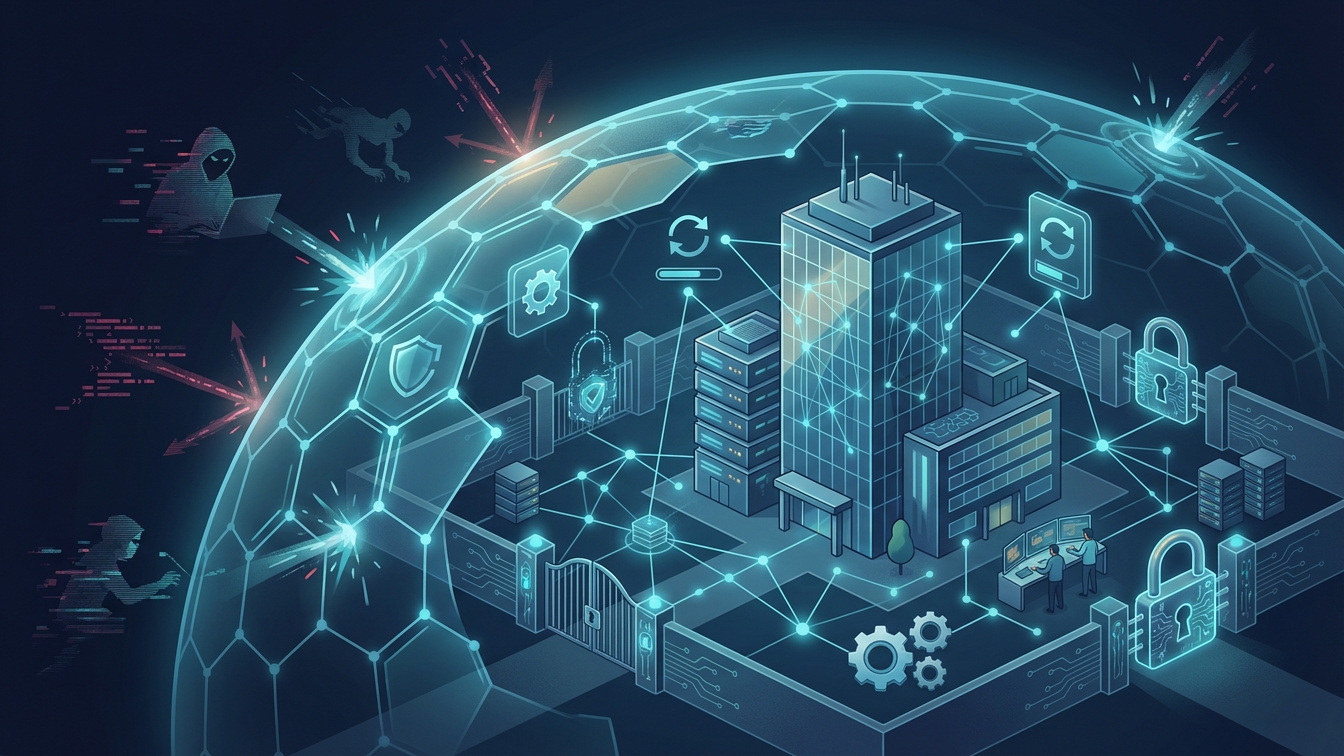
Has your business been hacked before? Did you lose sensitive data or have your systems held for ransom? If so, you understand firsthand how damaging a cyberattack can be. Even if you’ve been lucky so far, the threat is very real. Hackers are growing more sophisticated all the time, and no organization is immune. The good news is there are steps you can take to significantly reduce your risk. This post will explore practical ways to guard your company against hackers and cyber criminals. Let’s get started! #1 Keep Software Updated One of the easiest ways for hackers to break