
Your internet connection may already use IPv6 without drawing attention to itself. A modern phone, game console, laptop, or router can receive both an IPv4 address and an IPv6 address at the same time. That quiet transition is the reality of IPv6 adoption: the internet is adding a vastly larger addressing system while keeping older IPv4 services reachable. For most people, IPv6 is not a setting to enable just because it exists. It is a networking standard to understand, verify, and troubleshoot when an app, game, remote connection, or hosted service behaves differently than expected. What IPv6 Adoption Actually Means
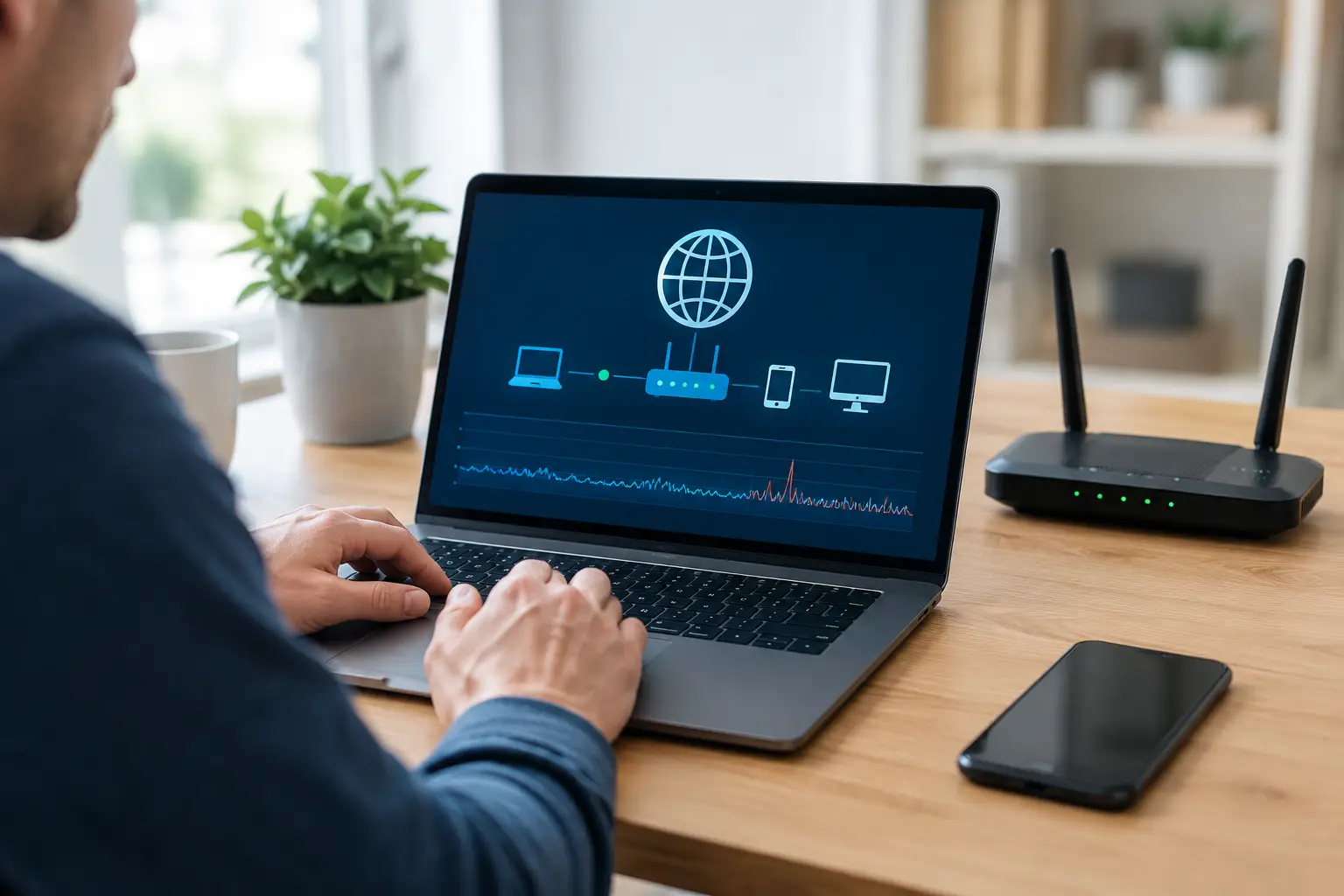
A video call that freezes for half a second, a game that rubber-bands, or a file upload that repeatedly stalls can all point to packet loss. Learning how to test packet loss helps separate a Wi-Fi problem in your home from an ISP issue or a problem with the site or server you are trying to reach. Packet loss is not always obvious in a speed test. Your download speed may look normal while small pieces of network traffic fail to arrive or arrive too late to be useful. The most useful test is a series of controlled checks: first

A match can feel unwinnable even when your download speed looks excellent. Gaming latency is the delay between an action leaving your device, reaching the game server, and the response returning to your screen. When that delay rises or becomes inconsistent, shots register late, players teleport, and real-time games feel disconnected from your inputs. For online gaming, speed-test download results tell only part of the story. A 500 Mbps connection can still perform poorly if your home network has Wi-Fi interference, a busy upload queue, packet loss, or an inefficient route to the game server. Finding the source requires measuring
A video call freezes just as you start speaking. A game shows a stable download speed but reacts a second late. A remote desktop session feels like every click has to travel across the country and back. These are classic reasons to learn how to troubleshoot high latency – but the fix depends on where the delay is being introduced. Latency is the time it takes for data to travel from your device to a destination and for a response to return. It is usually measured in milliseconds (ms). Unlike bandwidth, which is the amount of data your connection can
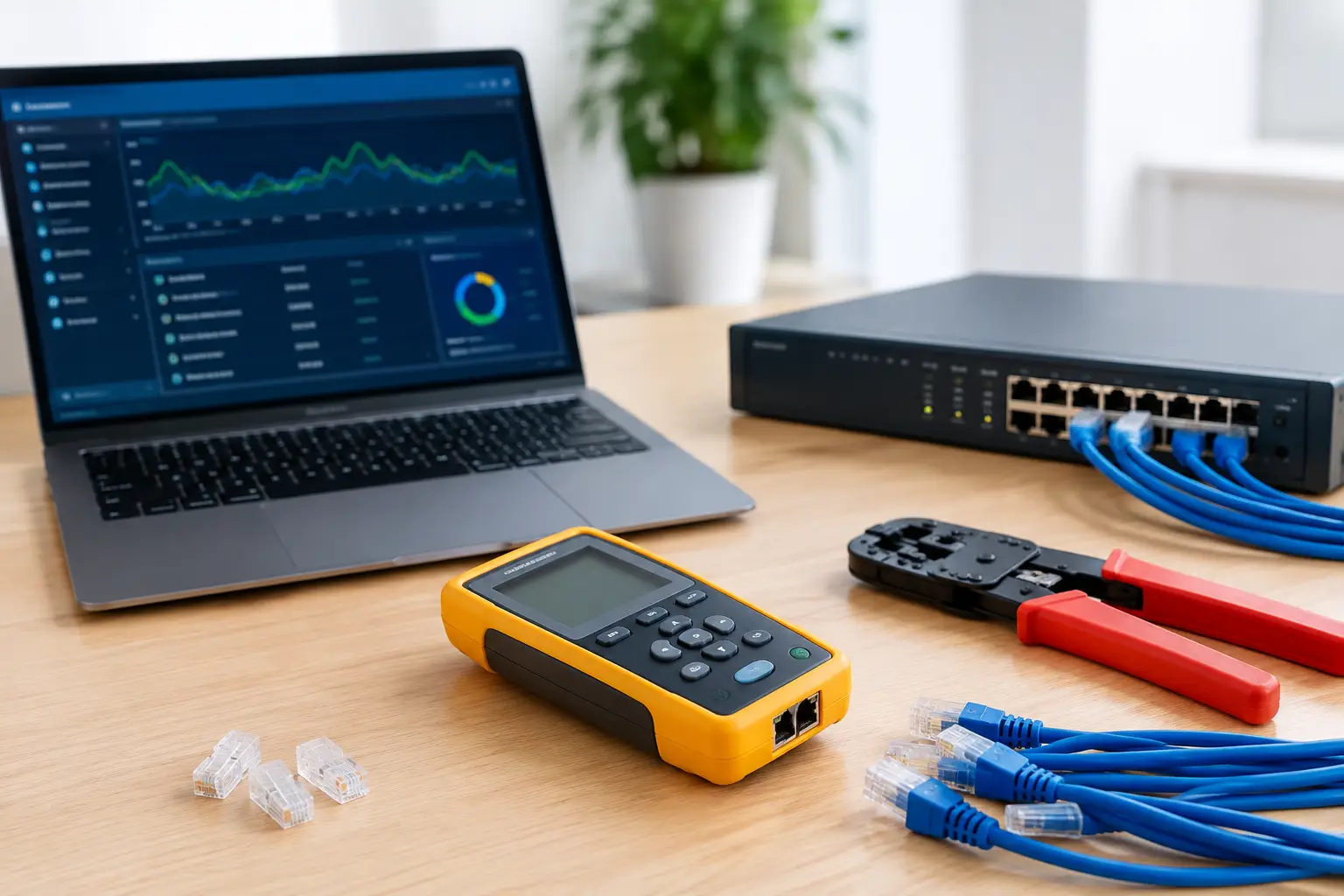
A video call freezes, a game server will not accept connections, or a remote desktop session suddenly fails. The best tools for network diagnostics help you identify where the problem starts: your device, your home router, your ISP, a DNS service, or the remote destination. The right test turns a vague “my internet is down” report into useful evidence. What Network Diagnostic Tools Should Tell You A network diagnostic tool measures or reveals one part of how traffic moves across the internet. No single result tells the whole story. A speed test can show that your download rate is normal
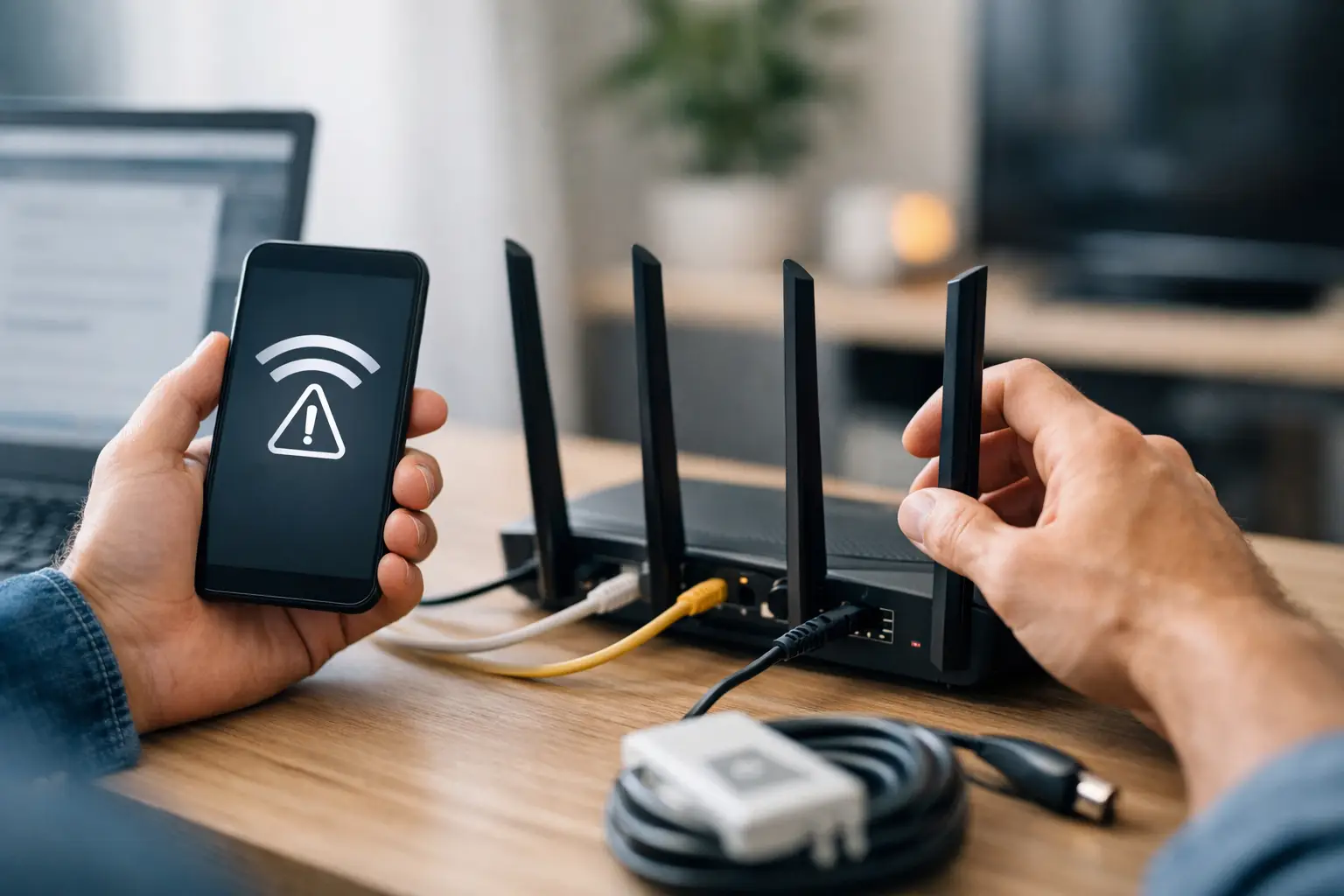
A video call freezes, a game suddenly shows high ping, and the Wi-Fi icon still says you are connected. That combination is frustrating because a connected device is not necessarily connected to the internet. This home network troubleshooting guide helps you identify where the failure actually sits: the device, Wi-Fi signal, router, modem, DNS service, or your ISP connection. The fastest path to an answer is to test one layer at a time. Avoid changing five settings at once or repeatedly restarting equipment without checking the result. A methodical approach preserves useful clues and makes the problem easier to fix.
Your game server works perfectly on your home Wi-Fi, but friends outside your house cannot join. Or your remote desktop app is listening on a PC, yet every connection attempt times out. In most cases, the answer is found in NAT versus port forwarding: NAT controls how your router shares one public IP address, while port forwarding creates a specific route from the internet to a device on your network. The distinction matters because opening a port is not the same thing as turning on NAT. NAT is already working on nearly every home network. Port forwarding is an optional
A fast download speed does not guarantee a responsive connection. You can have a 500 Mbps plan and still see delayed shots in a game, choppy voice chat, or lag when controlling a remote desktop. The best ways reduce ping start with identifying where the delay occurs: inside your home network, at your ISP, or farther along the route to the server. Ping is a measurement of latency. It records the time, in milliseconds, for a small packet of data to travel from your device to a destination and return. Lower is generally better, but a stable ping matters almost

Your router may show one address, your laptop may show another, and a website may see a third. That is why knowing how to find external IP information starts with identifying which address you actually need. For remote access, game hosting, port forwarding, and server troubleshooting, the relevant address is usually the public IP visible to the internet. An external IP address is the address your internet connection uses when communicating with sites, services, and devices outside your local network. It is often called a public IP address, WAN IP address, or internet-facing IP. In most home setups, your internet

A website can load slowly even when your Wi-Fi signal looks strong and a basic speed test reports normal results. The delay may be happening somewhere between your network and the destination server. An online traceroute test helps expose that route, showing the network devices your traffic passes through and how long each step takes. Traceroute is useful when a game server will not connect, a work application drops out, a hosted website is slow from one location, or a remote server appears unreachable. It does not repair the problem by itself. What it does provide is evidence: where the