
If you have ever been asked to provide an IP address for remote access, a game server, a security camera, or a support request, the useful answer is usually not the address shown in your computer’s network settings. When you ask, what is my external IP, you are asking for the public address that the rest of the internet sees when your network connects to it. Your external IP is assigned by your internet service provider (ISP). It identifies your internet connection on the public internet, much like a street address identifies where mail should be delivered. Devices outside your

You check your public IP address and see one city. Then you enter that same address into another lookup tool and get a different city, state, or even a different country. So, why does IP location differ? Because an IP address does not carry a live GPS coordinate. IP geolocation is an informed estimate built from network allocation records, ISP information, routing data, and third-party databases. For most everyday uses, IP location is accurate enough to identify the correct country and often the correct region. City-level results are less certain. The location shown can represent an ISP office, a network

A connection can look normal inside your home or office while failing everywhere that matters outside it. A game server will not accept players, remote desktop cannot connect, a hosted service times out, or a website flags an unfamiliar address. The best public IP tools help identify what the internet can actually see, then narrow down whether the issue is your router, ISP, DNS, network path, or a remote destination. Your public IP address is the address assigned to your internet connection for traffic that leaves your local network. Think of it as the street address for your router or
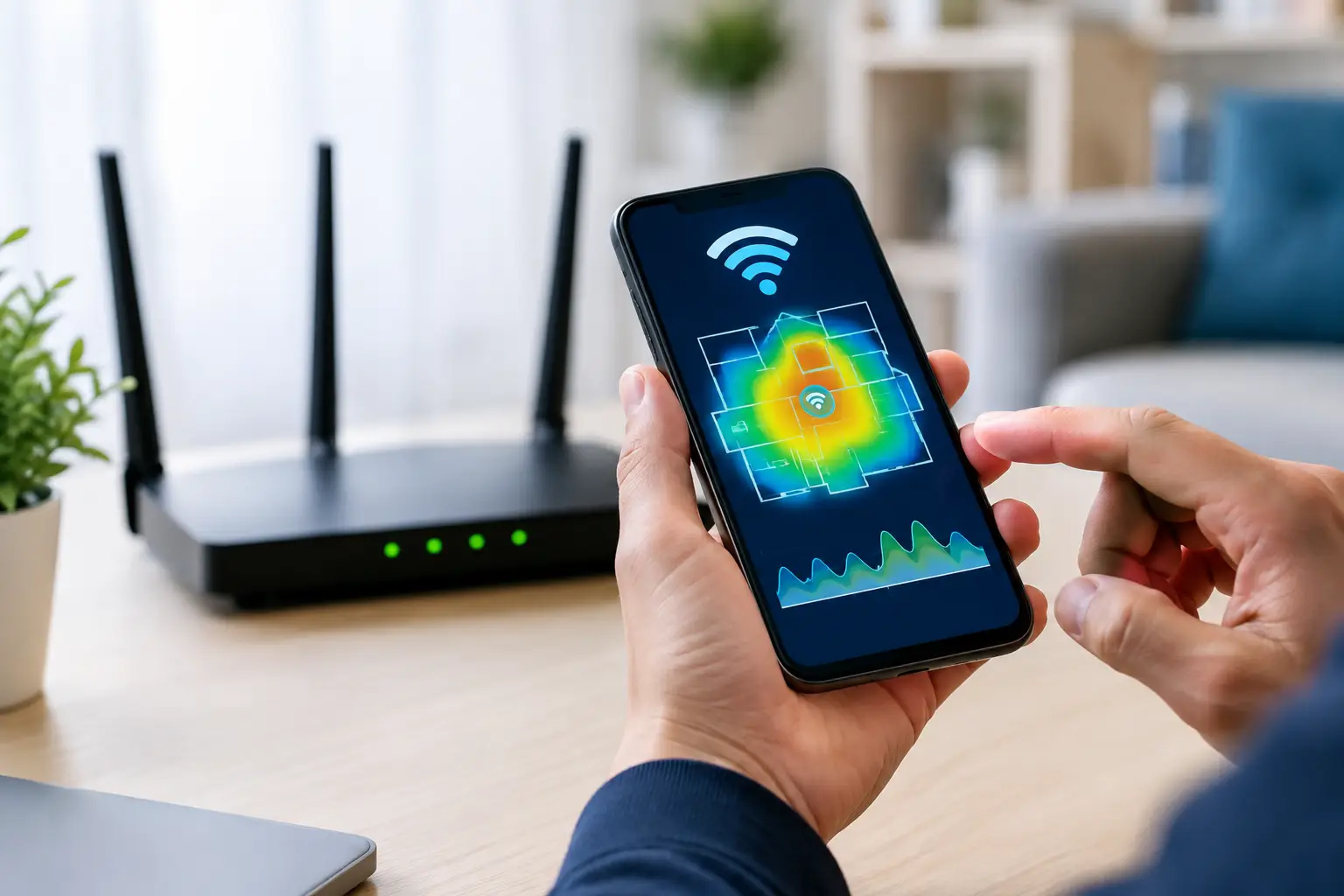
A video call that freezes in one room but works perfectly near the router is usually not a mystery. It is a coverage, interference, or channel problem. The best WiFi analyzer apps show what your wireless network cannot: nearby networks competing for airtime, weak signal areas, and settings that may be holding back speed. A Wi-Fi analyzer does not replace an internet speed test, ping test, or traceroute. It answers a different question: what is happening between your device and the wireless router or access point? That distinction matters. Your public IP address identifies your connection on the internet, while

A public IP address is the address other systems see when your network connects to the internet. But that address is not always yours alone. The shared versus dedicated IP decision affects web hosting, outbound email, remote access, server configuration, and sometimes your ability to troubleshoot a connection. For many home users, a shared address is normal and completely adequate. For a business running internet-facing services, it can create limits that are easy to miss until something stops working. What Is a Shared IP Address? A shared IP address is one public IP used by more than one customer, website,

A video call freezes for half a second. A game character jumps backward across the map. A file transfer slows down even though your speed test looks fine. These are familiar signs of packet loss. Understanding the top causes packet loss can help you identify whether the problem is inside your home or office, on the ISP network, or at the remote service you are trying to reach. Packet loss happens when data packets do not arrive at their destination. Internet traffic is divided into small packets so it can travel efficiently between devices, routers, and networks. When a packet
A video call that freezes for half a second, a game that registers an action late, or a remote desktop session that feels sluggish can all point to the same issue: latency. To test home network latency properly, measure more than one destination and separate delays inside your home from delays on the wider internet. Latency is not the same as download speed. A connection can deliver hundreds of Mbps and still feel poor for gaming, calls, cloud applications, or VPN work if packets take too long to make a round trip. The goal is to find where that delay
A speed test can show 500 Mbps and your video call can still freeze at the worst possible moment. That is because speed and reliability are different measurements. This internet connection stability guide helps you identify where interruptions begin: your device, local Wi-Fi, router, modem, cable line, or the route through your ISP. Connection instability usually appears as short dropouts, high ping, packet loss, buffering, rubber-banding in games, failed uploads, or calls with robotic audio. The best fix is not guessing which piece of equipment to replace. It is testing one part of the connection at a time and comparing
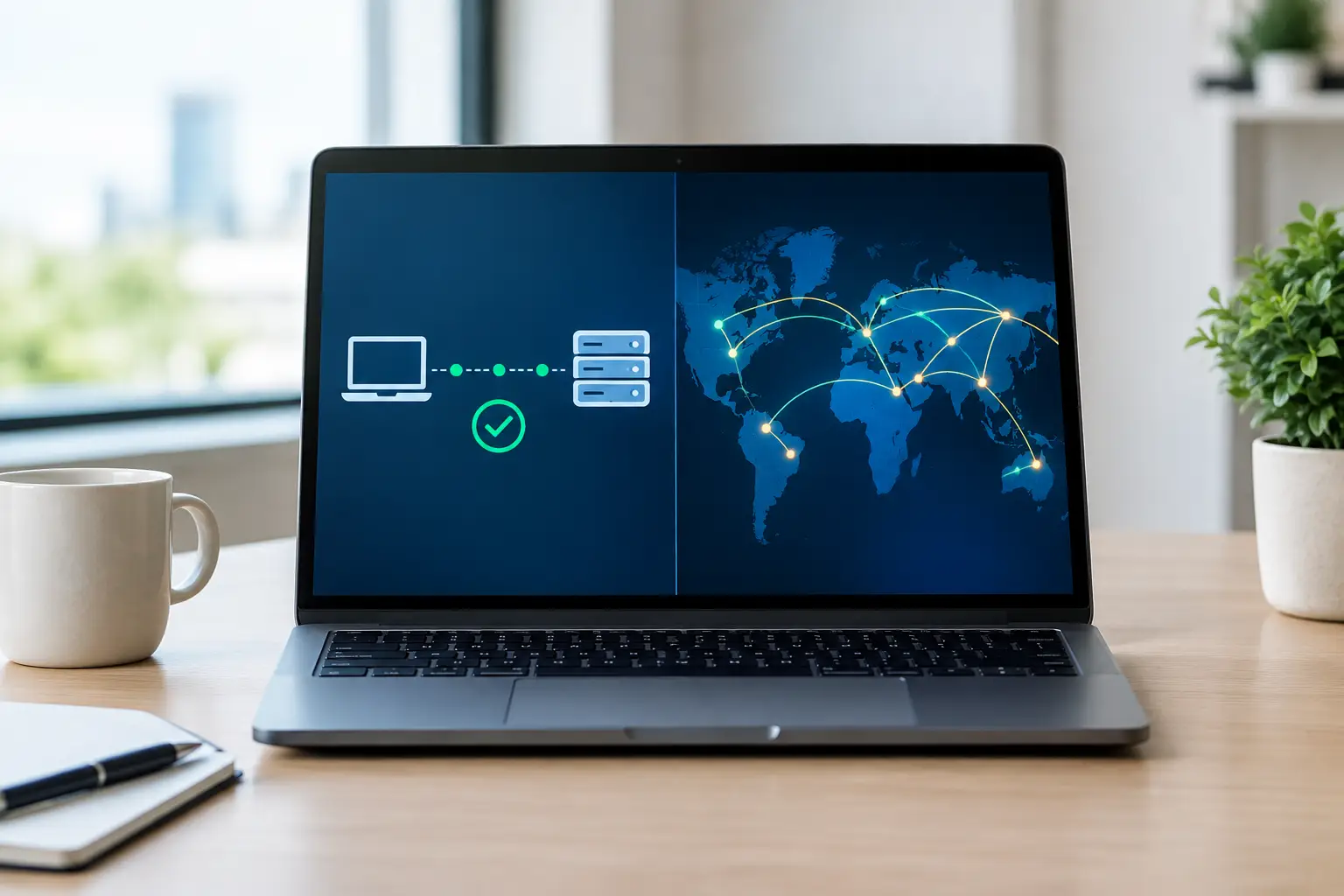
A game server responds slowly, a work VPN will not connect, or a website times out while other sites load normally. In each case, ping versus traceroute tools can help separate a local connection issue from a problem farther along the internet path. They are related diagnostics, but they answer different questions. Ping asks whether a destination responds and how long the reply takes. Traceroute shows the sequence of network devices your traffic crosses to reach that destination. Knowing which test to run first can save time. A quick ping may show that a host is reachable with normal latency.
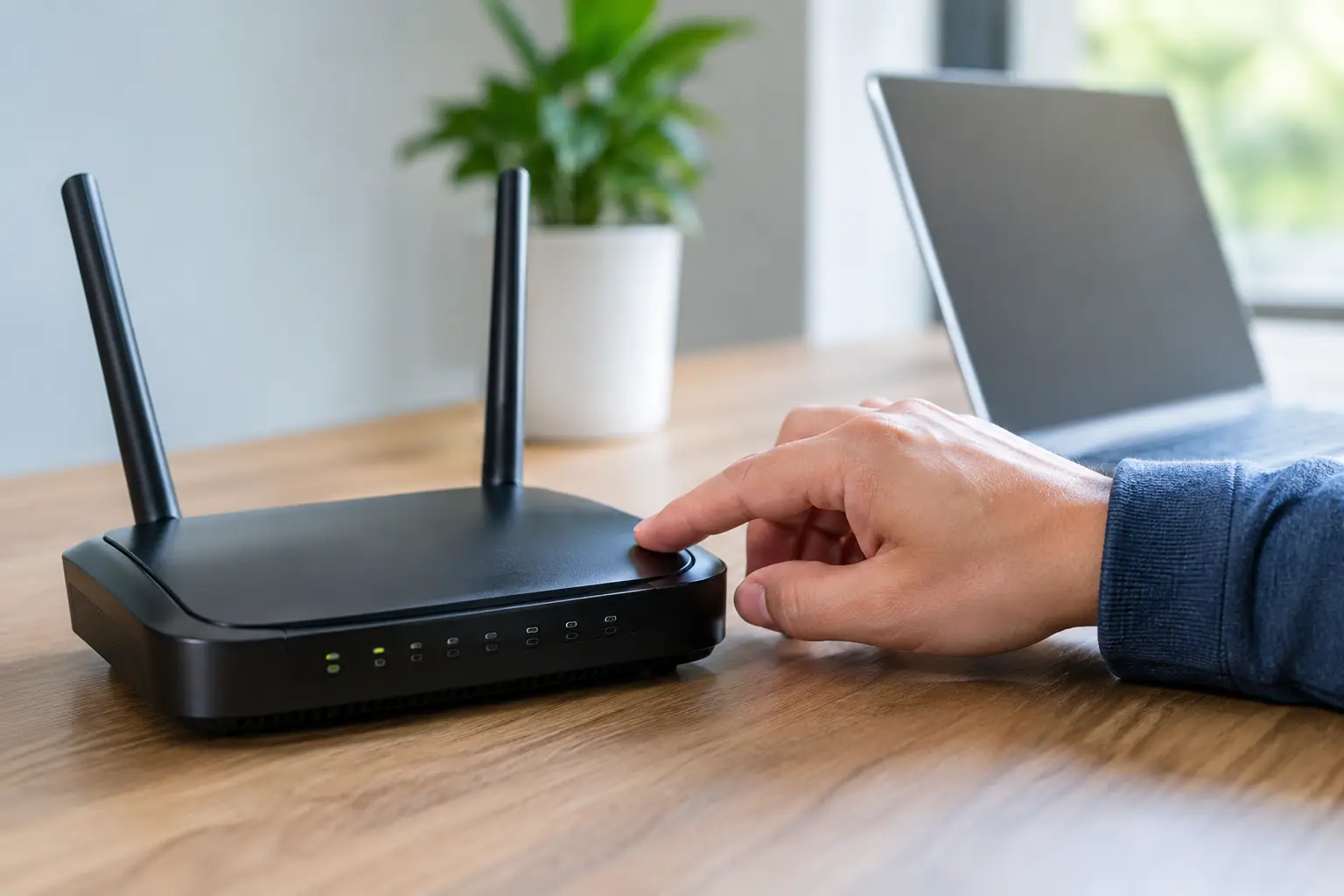
Your internet drops, you restart the router, and then wonder: does restarting router change IP? Sometimes it does. Often it does not. The answer depends on the type of IP address you mean, how your internet service provider assigns addresses, and whether your connection uses IPv4, IPv6, or carrier-grade NAT. For most home users, a restart is worth trying when a connection is acting up. But it is not a dependable method for getting a new public IP address, bypassing an IP-based restriction, or fixing an issue caused by your ISP. Does Restarting a Router Change Your IP Address? Restarting