
Your public IP address is the return address your internet connection uses when it communicates with websites, game servers, email services, and remote systems. Network privacy is about controlling how much that address, your connection activity, and related network information reveal to outside parties. For most people, an IP address does not expose a street address or instantly identify a person. It can, however, reveal useful clues: the internet service provider (ISP), an approximate geographic area, the organization that owns the address block, and whether traffic appears to come from a home, mobile, business, or cloud connection. Combined with cookies,
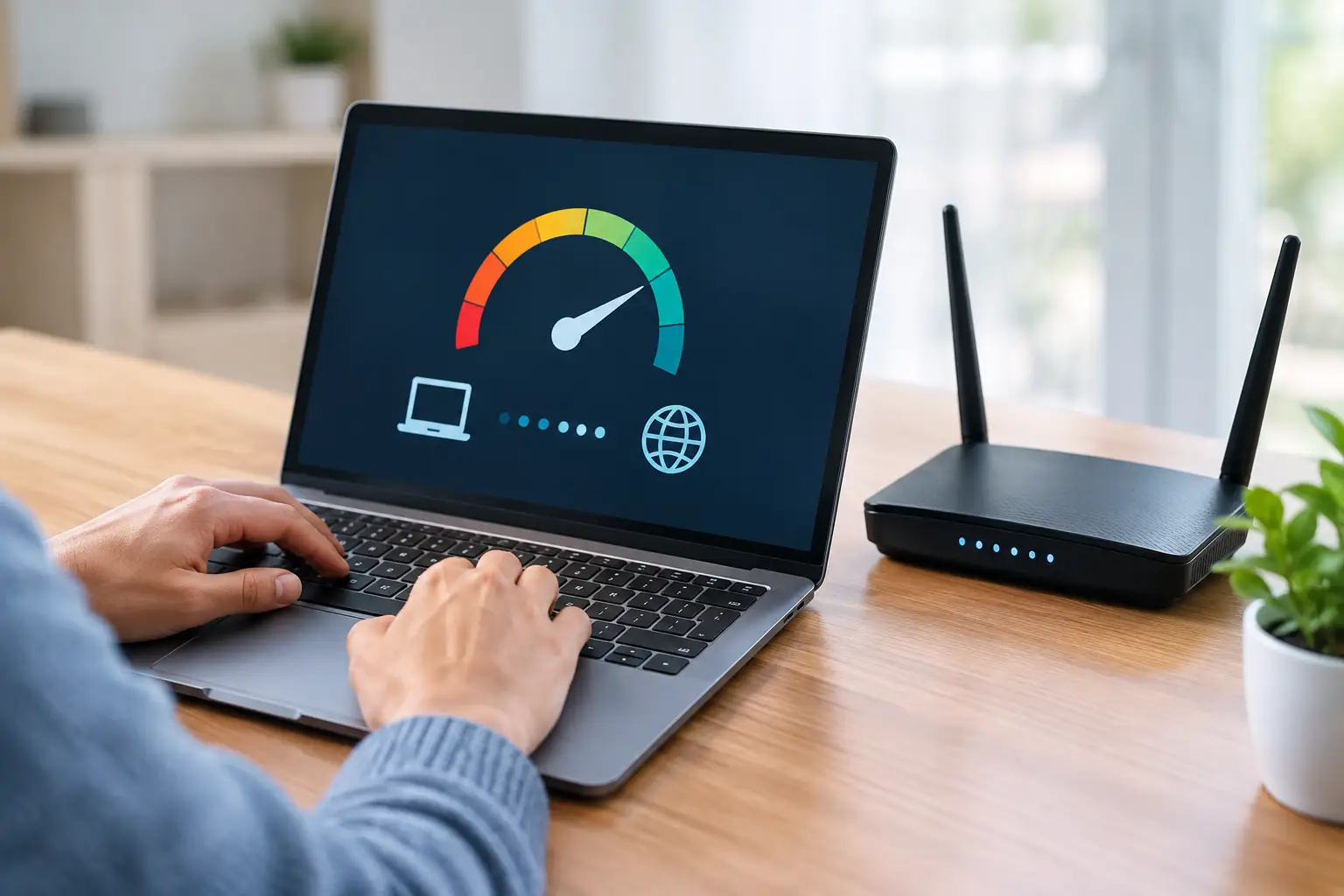
A video stream that buffers every night at 8 p.m. can feel like a clear answer to the question: can ISPs throttle your internet connection? Sometimes, yes. But a slowdown alone does not prove your internet service provider is deliberately limiting traffic. Wi-Fi interference, neighborhood congestion, an overloaded game server, a poor route, and a data-plan limit can produce nearly identical symptoms. The practical goal is to separate a general connection problem from traffic-specific slowdowns. A few repeatable tests can give you useful evidence before you reset equipment, contact support, or change plans. What ISP throttling means ISP throttling is

A video call that drops at 3:00 PM, a game server that becomes unplayable every evening, or a remote desktop session that suddenly lags can all look like the same problem: slow internet. They are not. Connection monitoring separates a local Wi-Fi issue from an ISP outage, a DNS failure, a congested route, or a problem with the service on the other end. For a home user, monitoring can mean checking whether the connection is stable before an important meeting. For an IT team or small business, it can mean tracking the availability and performance of an internet connection, public-facing

A public IP address is the return address your internet connection uses when it communicates with websites, games, email servers, and other services. This IP address privacy guide explains what that address can reveal, where the real privacy risks are, and which changes meaningfully reduce your exposure without breaking the services you use. Your public IP is not the same thing as the private address assigned to a phone, console, or laptop inside your home network. Your router usually gives local devices private addresses such as 192.168.1.25, then uses Network Address Translation, or NAT, to send their traffic through one
A video call freezes for 20 seconds. Your game disconnects, then immediately reconnects. A web page fails to load while the Wi-Fi icon still shows full signal. To diagnose intermittent internet drops, you need to determine whether the failure is inside your home network, at the modem or router, or farther out on your ISP’s network. The key is to test during and around the outage rather than relying on a single speed test after everything has recovered. Intermittent problems leave patterns. A few targeted checks can turn “the internet keeps dropping” into useful evidence for a router replacement, a

Your video call freezes, a game server rejects your connection, or remote desktop suddenly stops working. The fastest way to narrow down the cause is not usually a router reset. It is checking the right signal first. The best network diagnostic websites give you that signal quickly, whether you need to confirm your public IP address, measure bandwidth, inspect a route, or identify who operates an IP block. No single test can explain every internet problem. A speed test may show excellent download performance while a traceroute reveals a routing issue farther from home. An IP lookup can confirm the
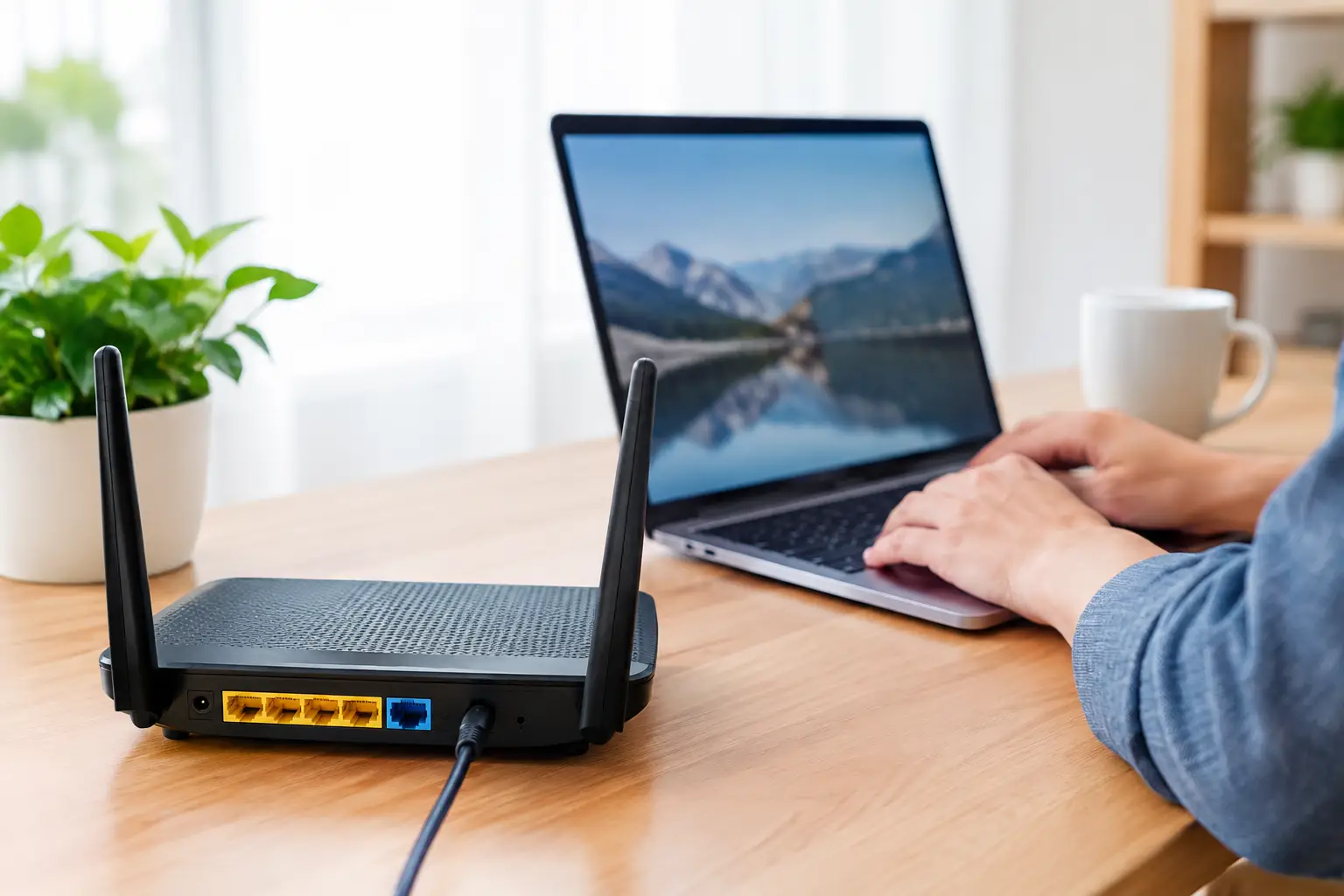
Your router can show an address that looks public but is not reachable from the internet. That distinction matters when you need to open a port, host a game, connect to a home server, or configure remote access. To find router WAN address, check the router’s Internet or WAN status page, then compare that value with the public IP address seen by an external website. Those two addresses often match. When they do not, the mismatch is useful diagnostic information, not a mistake. What a router WAN address is WAN stands for Wide Area Network. On a home or small-business
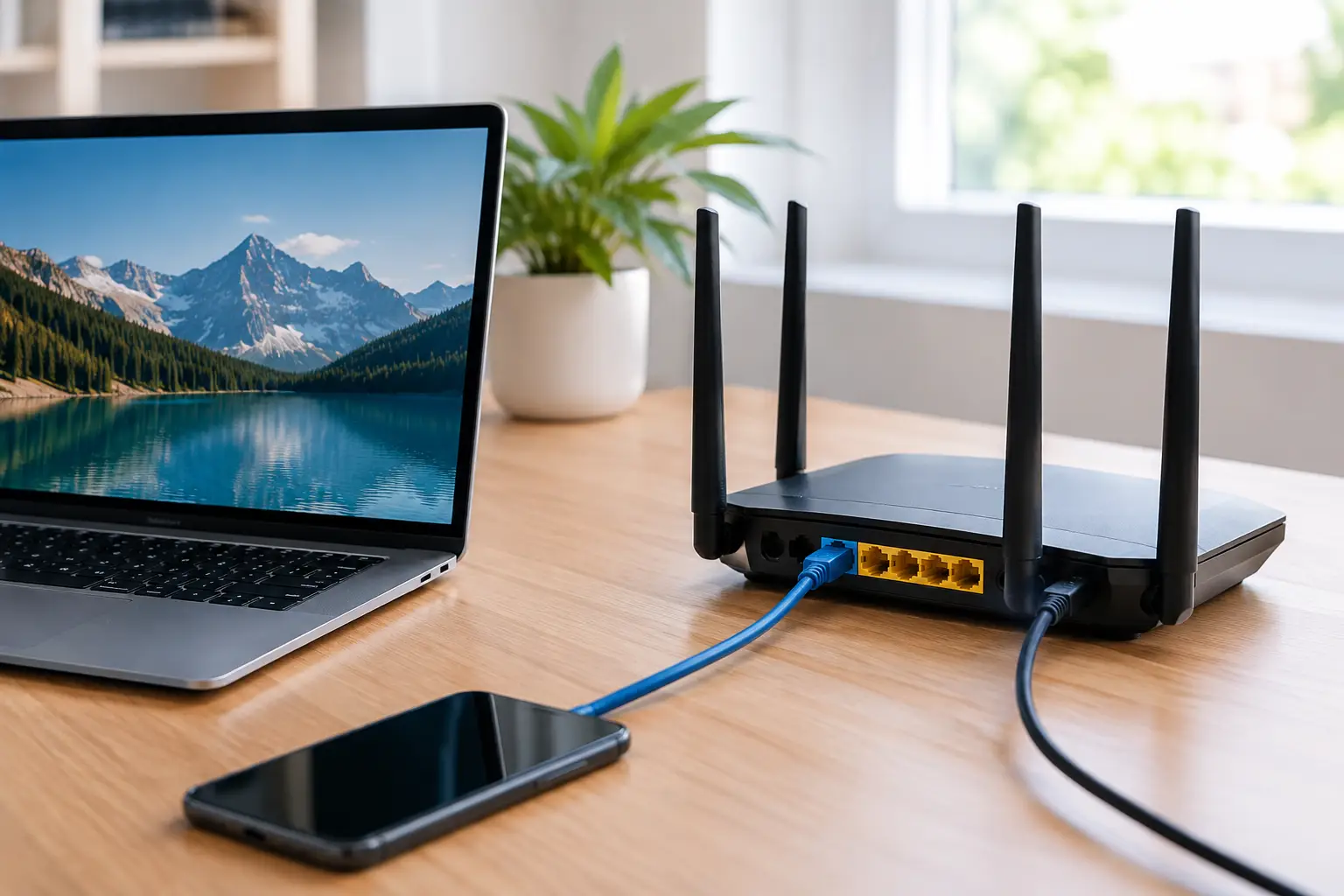
A port forwarding setup lets an outside connection reach a specific device on your home or small-business network. It is commonly used for multiplayer game hosting, self-hosted services, security cameras, remote desktop alternatives, and testing development servers. The key is not simply opening a port. You need to send the right traffic to the right internal device, confirm that your ISP gives you a reachable public IP address, and limit unnecessary exposure. Think of your public IP address as the street address for your network. Your router is the front desk, and each device behind it has a private address,

A video call that freezes when you share your screen, a cloud backup that runs all night, or a stream that drops frames can all point to the same problem: limited upstream bandwidth. Knowing how to test upload speed gives you a measurable starting point before you restart hardware, change Wi-Fi settings, or call your internet service provider. Upload speed is the rate at which data travels from your device to the internet. It affects video meetings, online gaming voice chat, sending large files, remote desktop sessions, security cameras, livestreaming, and cloud backups. A connection can have fast download speeds
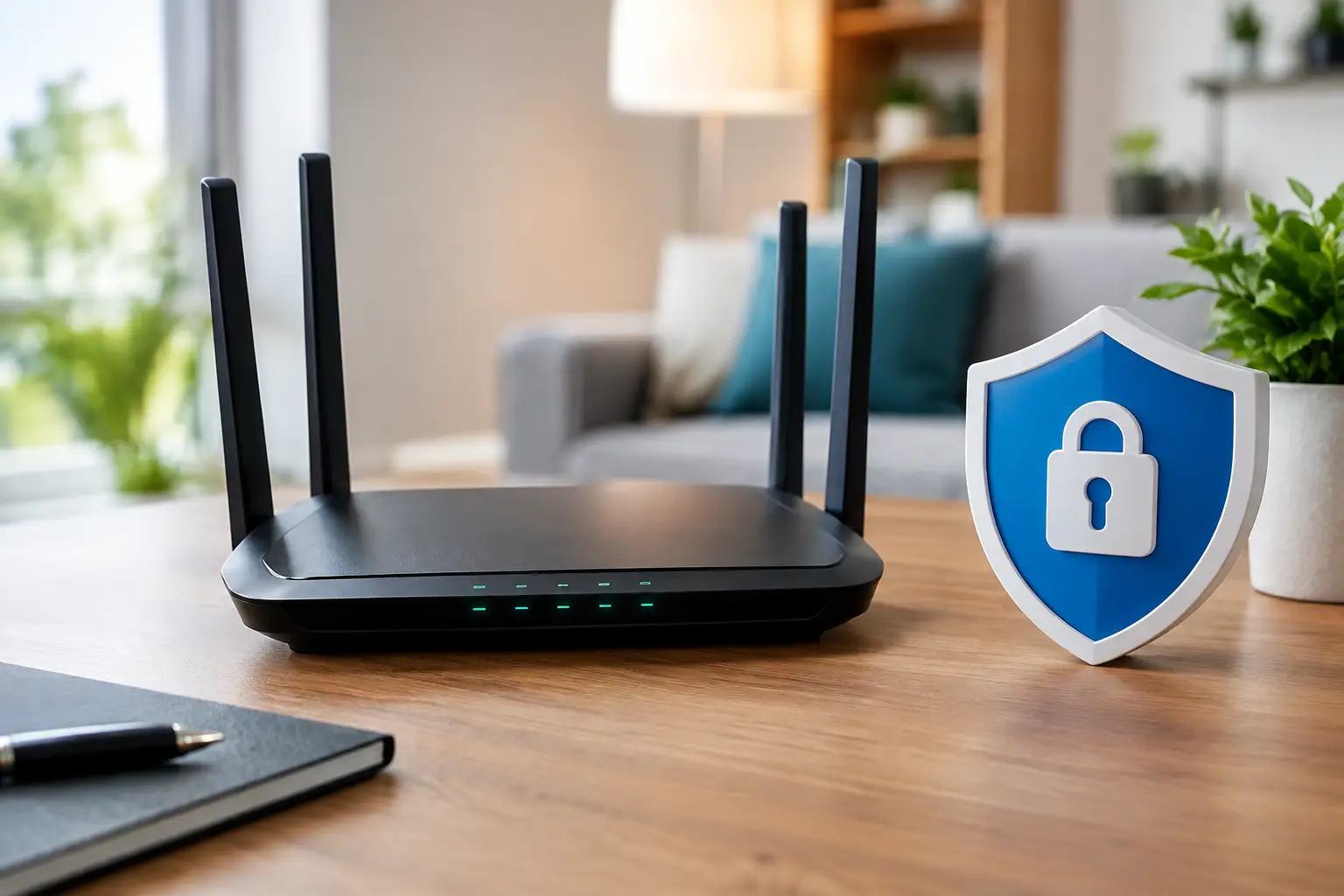
A new router can be online in minutes, but its default settings may leave more exposed than most households realize. This router security checklist focuses on the controls that protect the network sitting between your devices and the public internet. It applies whether you use an ISP-provided gateway, a retail Wi-Fi router, or a mesh system. Your router is the traffic director for your home or small business network. It assigns private IP addresses to local devices, applies firewall rules, and uses your public IP address to communicate with the internet. A weak router configuration can let an attacker join