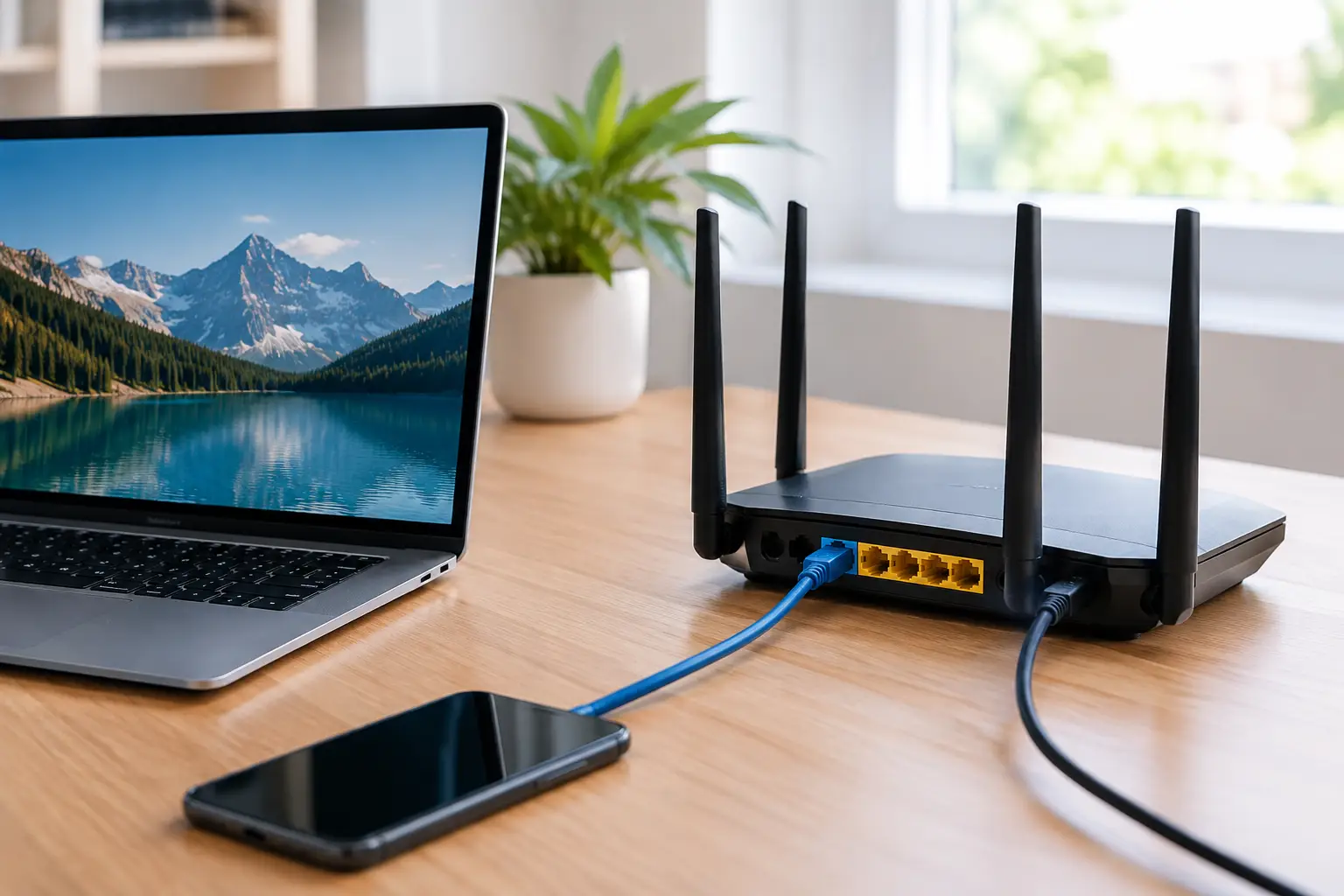
A port forwarding setup lets an outside connection reach a specific device on your home or small-business network. It is commonly used for multiplayer game hosting, self-hosted services, security cameras, remote desktop alternatives, and testing development servers. The key is not simply opening a port. You need to send the right traffic to the right internal device, confirm that your ISP gives you a reachable public IP address, and limit unnecessary exposure. Think of your public IP address as the street address for your network. Your router is the front desk, and each device behind it has a private address,
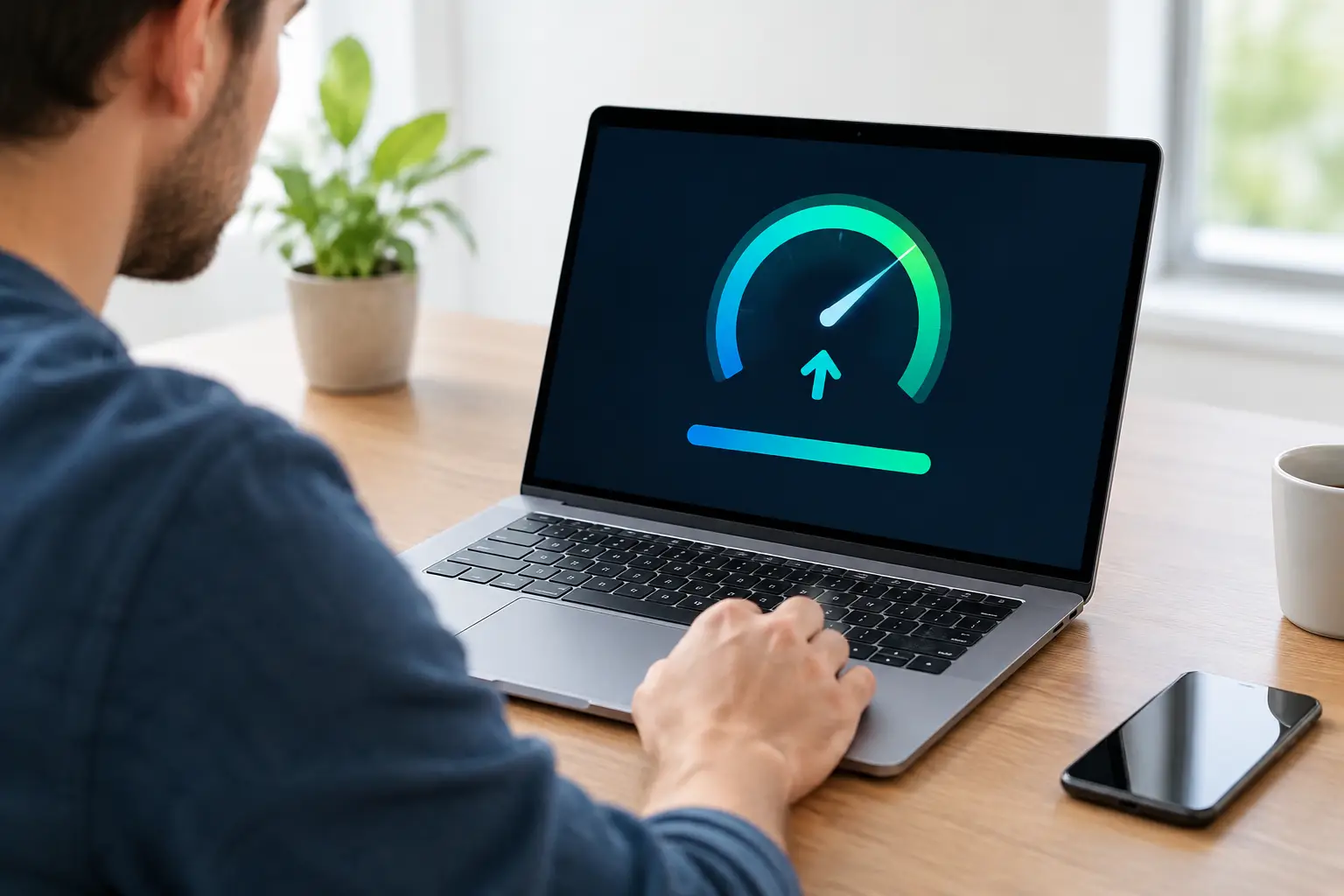
A video call that freezes when you share your screen, a cloud backup that runs all night, or a stream that drops frames can all point to the same problem: limited upstream bandwidth. Knowing how to test upload speed gives you a measurable starting point before you restart hardware, change Wi-Fi settings, or call your internet service provider. Upload speed is the rate at which data travels from your device to the internet. It affects video meetings, online gaming voice chat, sending large files, remote desktop sessions, security cameras, livestreaming, and cloud backups. A connection can have fast download speeds
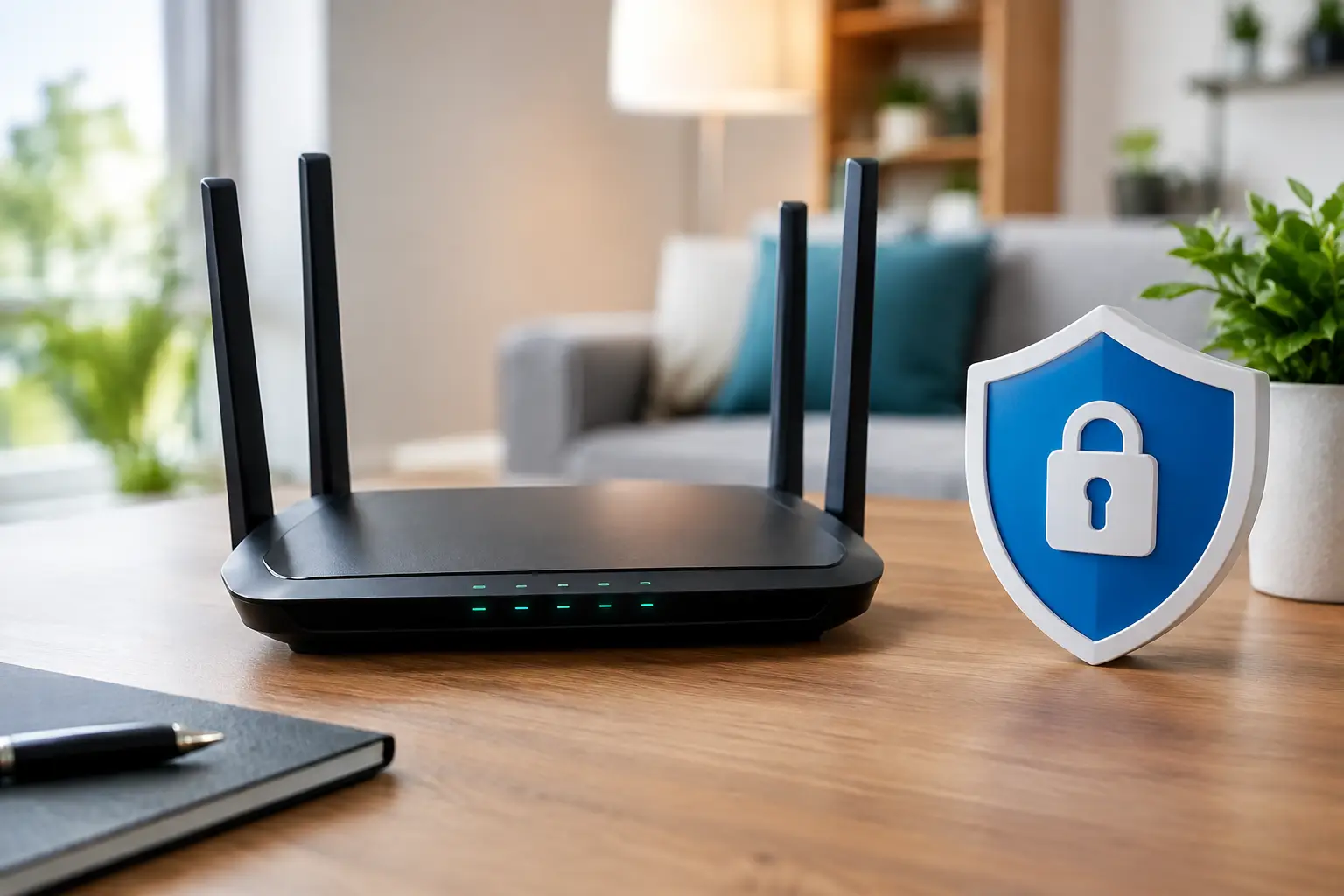
A new router can be online in minutes, but its default settings may leave more exposed than most households realize. This router security checklist focuses on the controls that protect the network sitting between your devices and the public internet. It applies whether you use an ISP-provided gateway, a retail Wi-Fi router, or a mesh system. Your router is the traffic director for your home or small business network. It assigns private IP addresses to local devices, applies firewall rules, and uses your public IP address to communicate with the internet. A weak router configuration can let an attacker join

An IP blacklist can turn a normal connection into a frustrating support ticket. Email may be rejected, a website may block access, or a remote service may refuse a login from your network. Effective IP blacklist removal is not simply asking for an address to be cleared. It starts with identifying which list made the decision, why your public IP was listed, and whether the underlying issue is actually resolved. What an IP Blacklist Means An IP blacklist is a database of addresses associated with activity a service considers risky, abusive, or unwanted. The term is widely used, although many
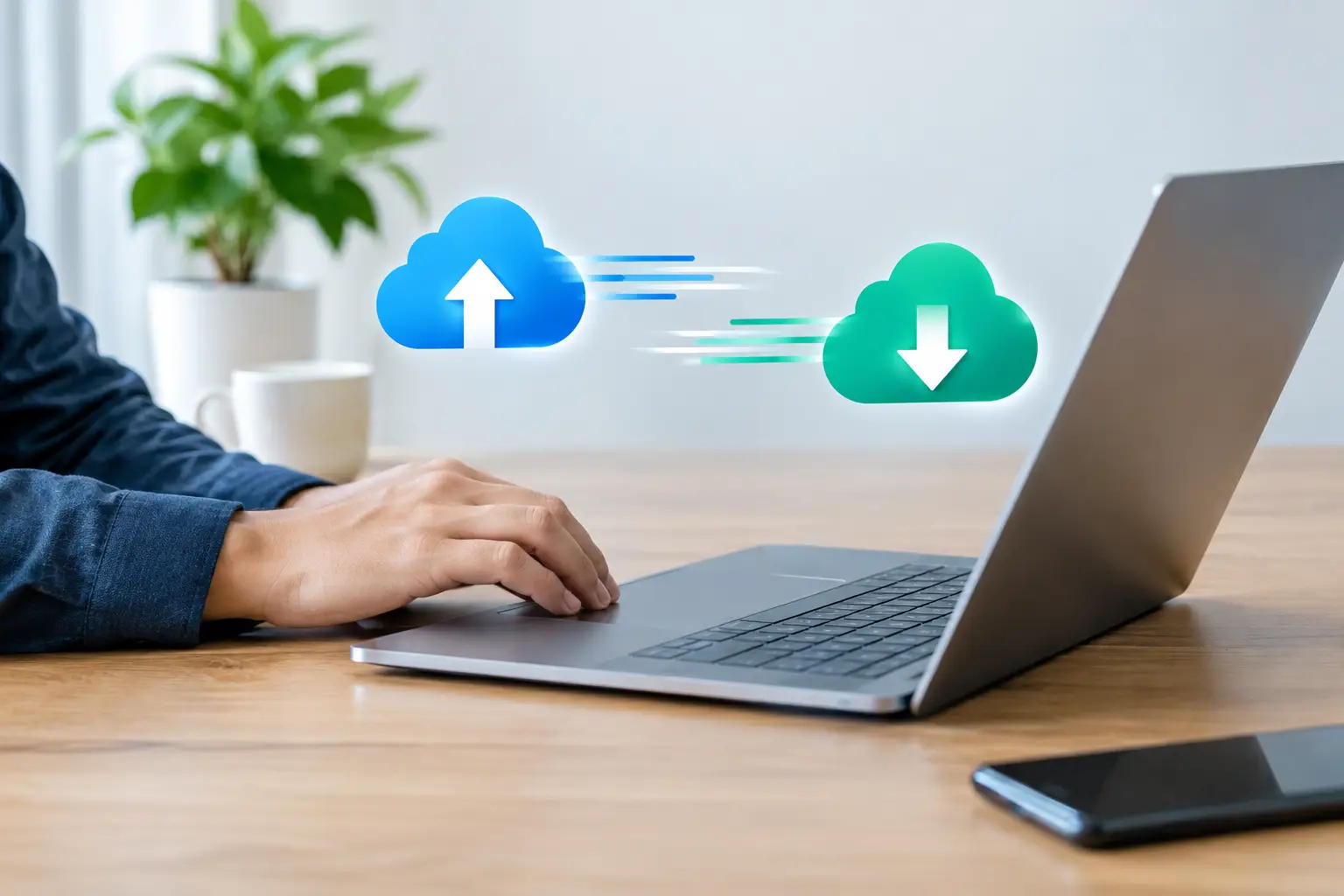
A speed test can show 500 Mbps download and only 20 Mbps upload, then leave you wondering whether something is wrong. Usually, it is not. Upload versus download speed is a basic distinction in how internet service is designed, and it affects everything from streaming movies to backing up photos, joining video calls, hosting a game, or accessing a computer remotely. The right speed is not just the biggest number on a plan advertisement. It is the amount of bandwidth available in the direction your devices actually need, at the time they need it. What Upload and Download Speed Mean